Choosing the Right Size for Disc Golf Tee Signs
How to choose between 8 × 10, 9 × 13.5, 12 × 16 and 18 × 24 inch disc golf tee signs, based on hole complexity, reading distance and what each sign has to show.

There is no single right size for a disc golf tee sign. The best size depends on how much each hole needs to show, where the sign will stand and how close players get before they read it. This guide walks through those questions so you can pick a size once and use it with confidence across the whole course.
The four printed sizes
DGCS Studio prints tee signs in four sizes. Each one is priced per sign, and you can compare them side by side on the pricing page.
- 8 × 10 in: the most compact option. It suits short, open holes and courses that want a small footprint on each tee.
- 9 × 13.5 in: a taller format that gives the hole map more room without making the sign much wider.
- 12 × 16 in: room for a detailed map plus a clear header, sponsor space and notes.
- 18 × 24 in: the largest size, for complex holes or signs that a whole group will read together.
If you plan to buy print-ready files and print locally, note that digital downloads are offered for the 8 × 10, 9 × 13.5 and 12 × 16 in sizes. The pricing page always shows the current options.
Start with your most complex hole
Size your signs for the hardest hole on the course, not the easiest. A long, wooded hole with a creek, an out-of-bounds line and a mando needs more map space than a short, open hole. If the busiest hole is readable at a given size, every other hole will be too.
Open that hole in the editor first and try it at two sizes. Look at whether the fairway, hazards and basket are still easy to pick out, and whether the distance and par stay large enough to read at a glance.
Think about where players will read the sign
Most players read a tee sign from the tee pad or while waiting for their group. Picture that distance. A sign that players walk right up to can carry finer detail, while a sign set back from the pad needs a bolder map and larger numbers.
Also look at the space you have. If your course already has sign frames or posts, measure them before choosing a size so the new signs fit what is already there.
Count what each sign has to carry
Make a quick list of everything a sign needs to show. Typical tee sign content includes:
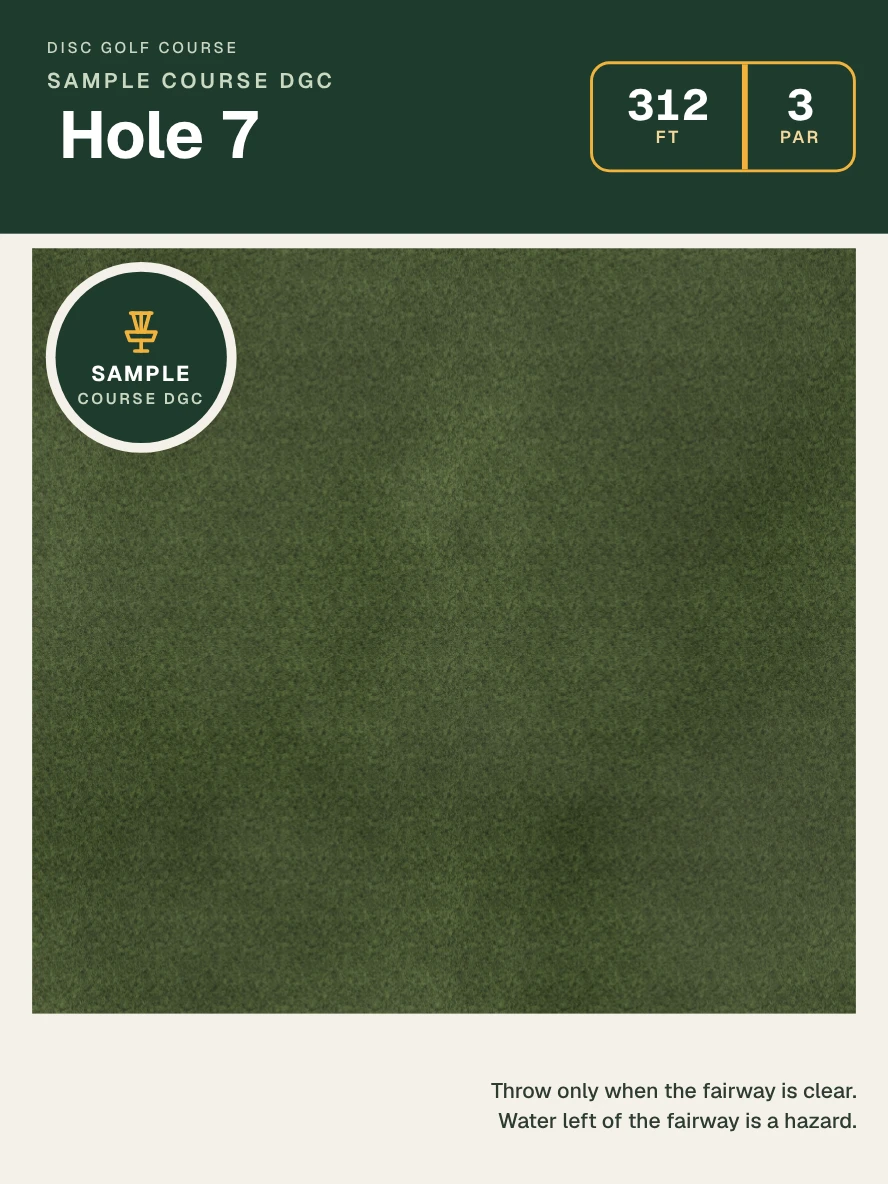
- The hole number, distance and par
- Alternate tees or basket positions, each with its own distance
- A hole map with the tee, basket, fairway and hazards
- Your course name or logo
- A sponsor logo
- A short note, such as an out-of-bounds or mando rule
The longer that list, the more a larger size helps. If you only need the essentials, a smaller sign can look cleaner.
Portrait or landscape
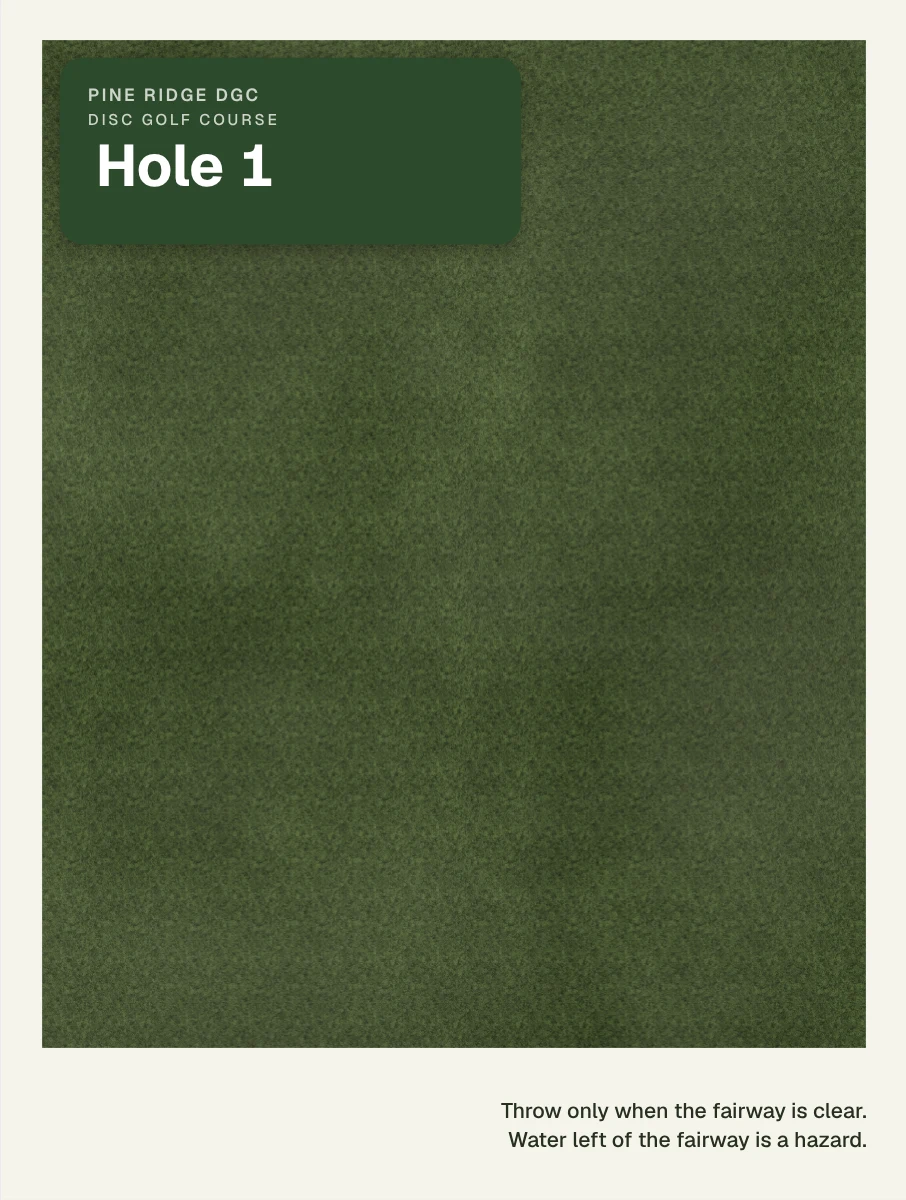
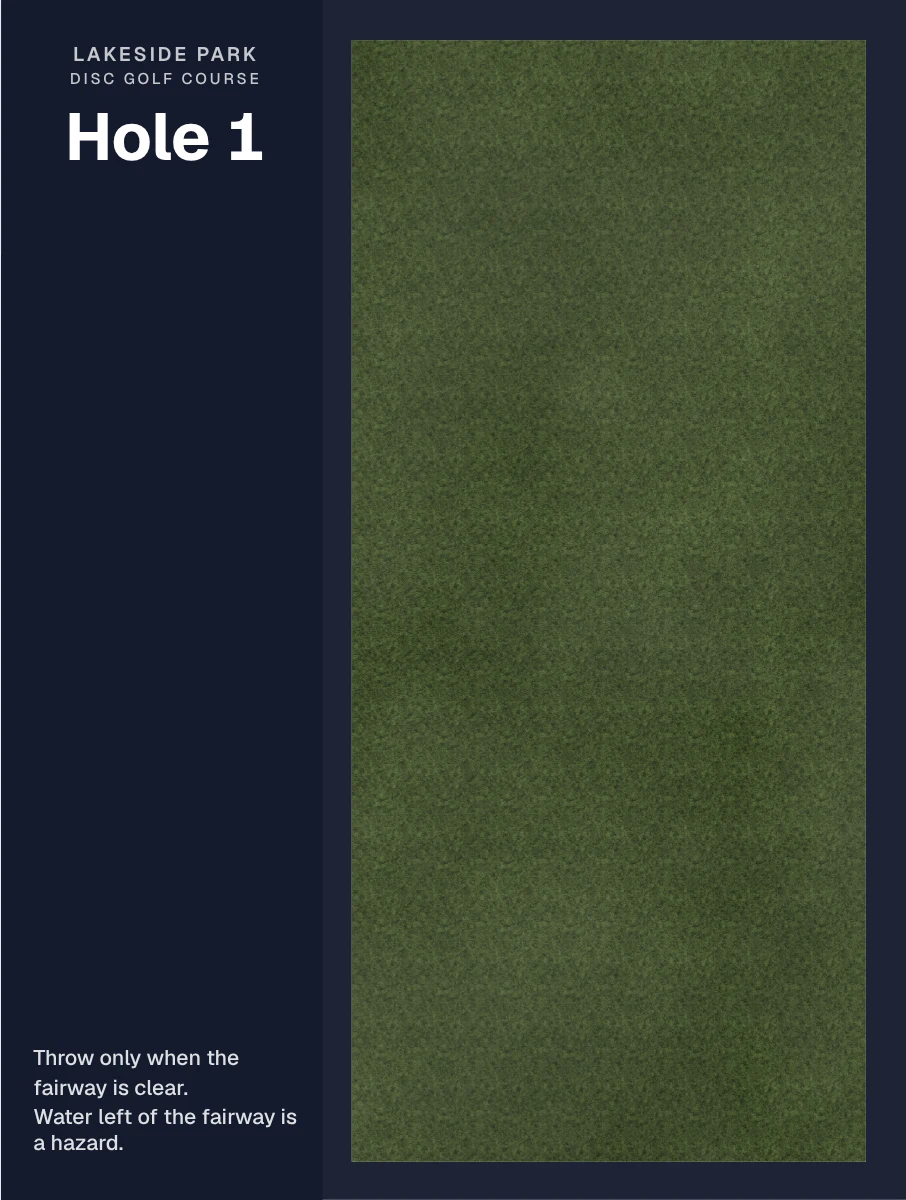
Most tee signs are portrait, because most holes are longer than they are wide and a tall map follows the line of play. Landscape can work well for wide holes, doglegs or signs that sit low and wide. In DGCS Studio you can switch orientation, pick a size preset or enter a custom width and height while you design, so it is easy to test both.
Use one size across the course
Using the same size for every tee sign makes the course feel like one designed set, and it keeps your layout consistent from hole to hole. If a few holes are very complex, simplify their maps rather than switching them to a different size. For more on this, read how to keep tee signs consistent across 18 holes.
Try sizes before you commit
Design is free in DGCS Studio, so you can change the sign size and see how each layout reflows before you buy anything. When you are close, generate a watermarked PDF proof and print a section of it at 100% scale on your home or office printer to check that the numbers and map are readable at real size.

Not sure which layout to pair with your size? Browse the disc golf tee sign templates to see how the same hole looks in different starting layouts.
Questions to ask before choosing
- How complex is your most detailed hole?
- Will players read the sign from the tee pad or walk up to it?
- Do you need space for sponsors or course notes?
- Do you have existing frames or posts the signs must fit?
- Will you print locally from digital files or order printed signs?
Once you have answers, pick a size, apply it to your master layout and start designing. You can see what is included with each option on the custom disc golf tee signs page.