

TEE SIGN TEMPLATES
Disc golf tee sign templates you can make your own
Start from one of ten tee sign layouts, add your course logo and colors, and DGCS Studio applies the design to every hole. Every template is free to use and every element stays editable.
Free to design. Pay only when you download files or order printed signs.
- 10 starting layoutsMap-first, classic, side-panel and number-led designs.
- One layout, every holeSet it once in the master layout; adjust single holes when needed.
- $7 per unique holeFor print-ready files, or printed signs from $45.


FOUR POPULAR LAYOUTS
The same hole in four tee sign templates
Heron Creek Hole 1, with the same map, distance, par, logo and sponsor, in four of the starting layouts. Switching layouts keeps each hole’s information, so you can compare templates on your own course before you commit.
-
Classic
A header bar with the hole number and course name above a large map. The distance and par box sits on the map, with the sponsor and notes underneath.
-
Map Hero
The hole map fills the sign and the header floats on top. A good fit when a hole has features worth showing, like water, OB lines and mandos.
-
Split Panel
Course details in a colored side column with the map beside them, which keeps text off the map.
-

Number Badge
A large hole-number badge overlaps the header, so the hole number stands out from across the tee area.
Heron Creek is a sample course. Your signs use your own course name, colors, logo and sponsors.
HOW TEMPLATES WORK
A starting point, not a straitjacket
A template places the hole number, distance and par, map, logo and sponsor where players expect them. From there, everything is yours to change.
-
Ten starting layouts
Map Hero, Classic, Split Panel, Sponsor Forward, Number Badge, Circle Number, Corner Tab, Side Stats, Bottom Distances and Minimal Map.
-
One master layout
Pick a template once and every hole follows it, so your signs stay consistent from hole 1 to the last basket.
-
Single-hole adjustments
When one hole needs something different, unlock just that hole’s layout and adjust it without changing the rest.
MAKE IT YOUR COURSE
Customize a template in minutes
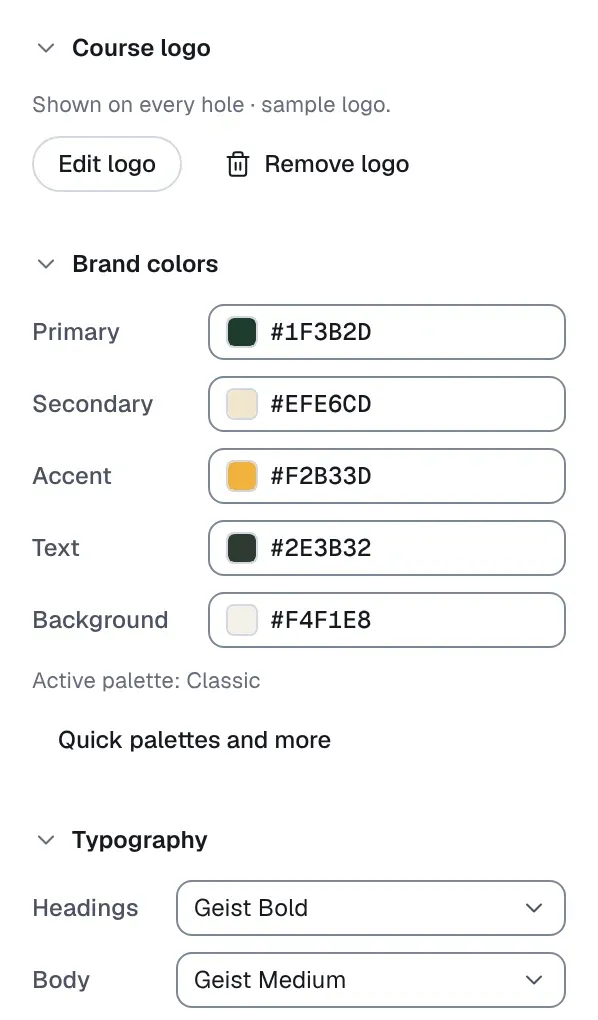
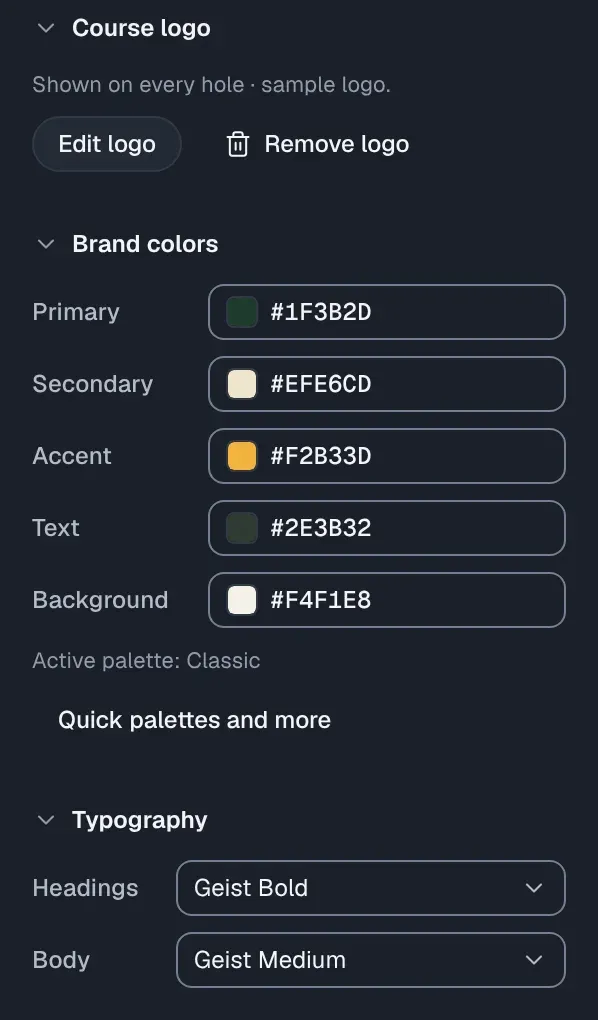
Set your branding once in the Sign appearance panel and it carries across every hole on the course.
- Brand colors Primary, secondary, accent, text and background colors, with quick palettes.
- Fonts Heading and body fonts from 199 bundled typefaces.
- Backgrounds Solid colors, gradients, textures or your own images.
- Logo and sponsors Add your course logo once and choose which sponsors appear on each hole.
- Any sign size Choose a size preset or a custom width and height, portrait or landscape.
- Print-ready guides Safe-area and ⅛-inch bleed guides, with snapping to guides and objects.
HOW IT WORKS
From template to finished signs
-
STEP 1
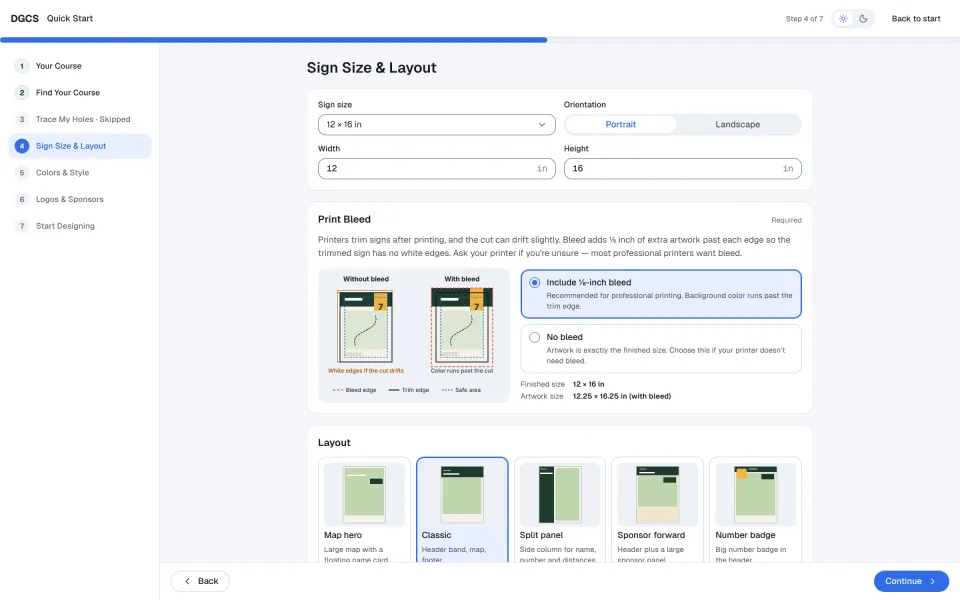
Choose a size and template
Pick your sign size, then a starting layout for the whole course.
-
STEP 2
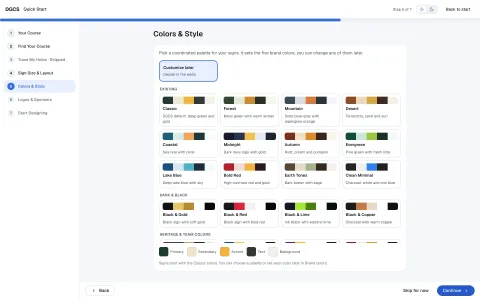
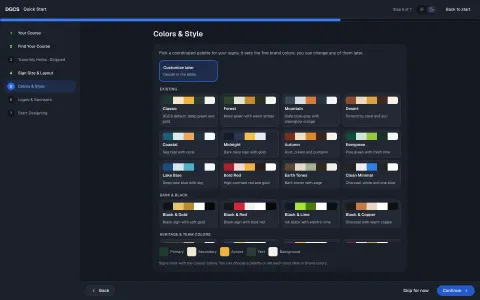
Add your branding
Set colors, fonts and your logo once, then draw each hole’s map.
-
STEP 3

Proof, then download or print
Check a free watermarked proof, then buy print-ready files or printed signs.
Yes. Every template is free to use for designing and for watermarked PDF proofs. You pay only for print-ready files ($7 per unique hole) or printed signs (from $45 per sign).
Yes. Changing the layout keeps each hole’s distance, par, map and sponsor, so you can try several templates on your own course.
Yes. Every hole follows the master layout by default. Unlock a single hole’s layout to change just that hole.
Choose a size preset or enter a custom width and height, in portrait or landscape. Print-ready digital files are offered for 8 × 10, 9 × 13.5 and 12 × 16 in signs, and printed signs come in four sizes from 8 × 10 to 18 × 24 in. Compare sizes
Yes. Add your course logo once and it appears on every sign. Add sponsor logos and choose which sponsors appear on each hole.
No. DGCS Studio runs in your web browser, and you can start designing without an account. How it works