Designing Disc Golf Signs for Parks and Recreation Departments
How parks and recreation departments can plan disc golf tee signs that meet department standards, work for every visitor and move smoothly through approvals.

Many disc golf courses are built and maintained by city and county parks and recreation departments. Signage for a public park has a few extra considerations: department standards, approvals, a wide range of visitors and, often, more than one course. This guide covers how to plan tee signs that work for players and for the department.
Start with your department's standards
Most parks departments have guidelines for signs, logos and colors. Gather them before you design. Check which logo versions you may use, any required colors or typefaces, and any wording your department includes on park signage. Building these into your design from the start saves revisions during approval.
Work with your local disc golf club
Local players know the course in detail. They can confirm tee and basket positions, help measure distances and tell you which hazards matter. Many departments involve the club in reviewing sign designs, which also builds support for the project.
Design for every visitor
Public courses attract experienced players, first-timers and people who have never seen a disc golf basket. Signs should work for all of them:
- Use large, clear hole numbers, distances and pars.
- Choose colors with strong contrast between text and background.
- Keep wording short and plain.
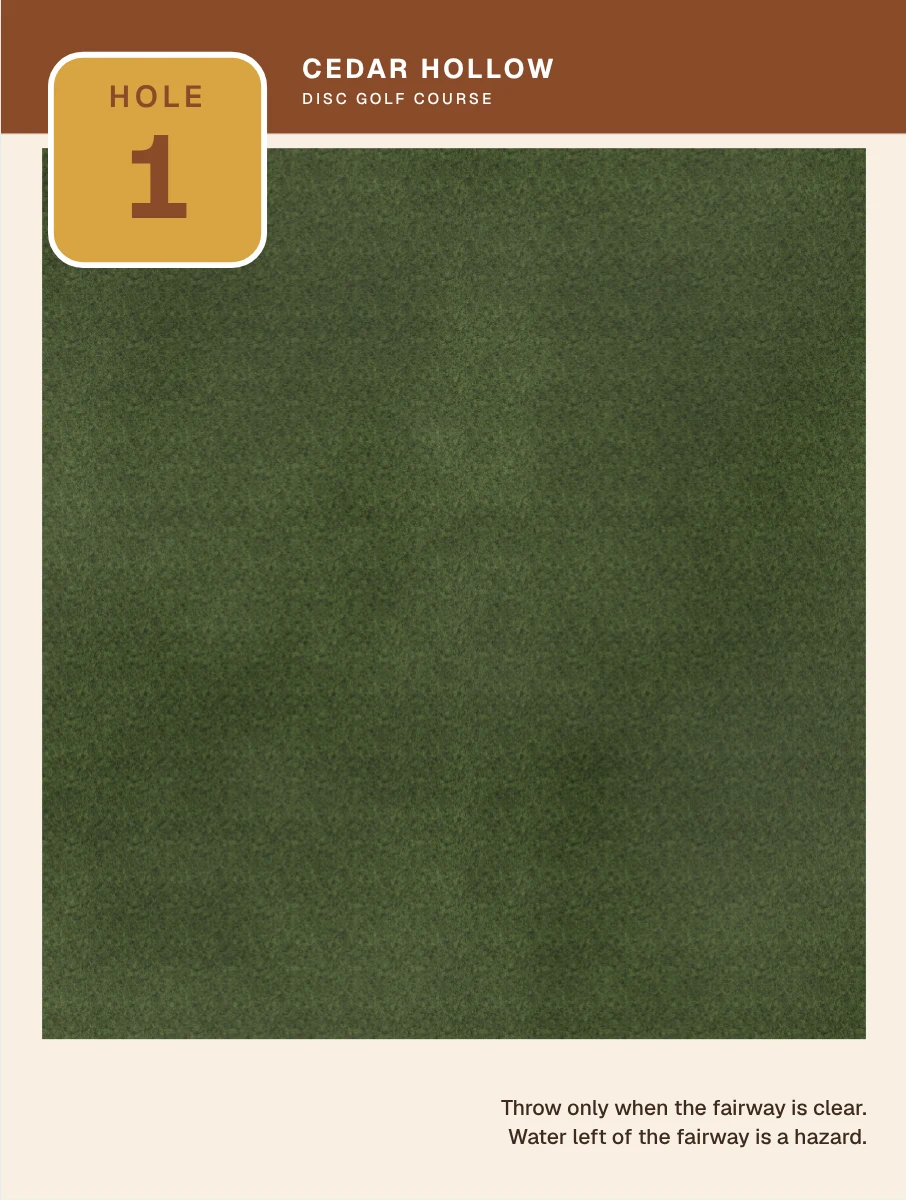
- Draw maps from the player's point of view, with the tee at the bottom.
Our guide to what makes a great disc golf course map covers the mapping side in more detail.
Keep a consistent look across parks
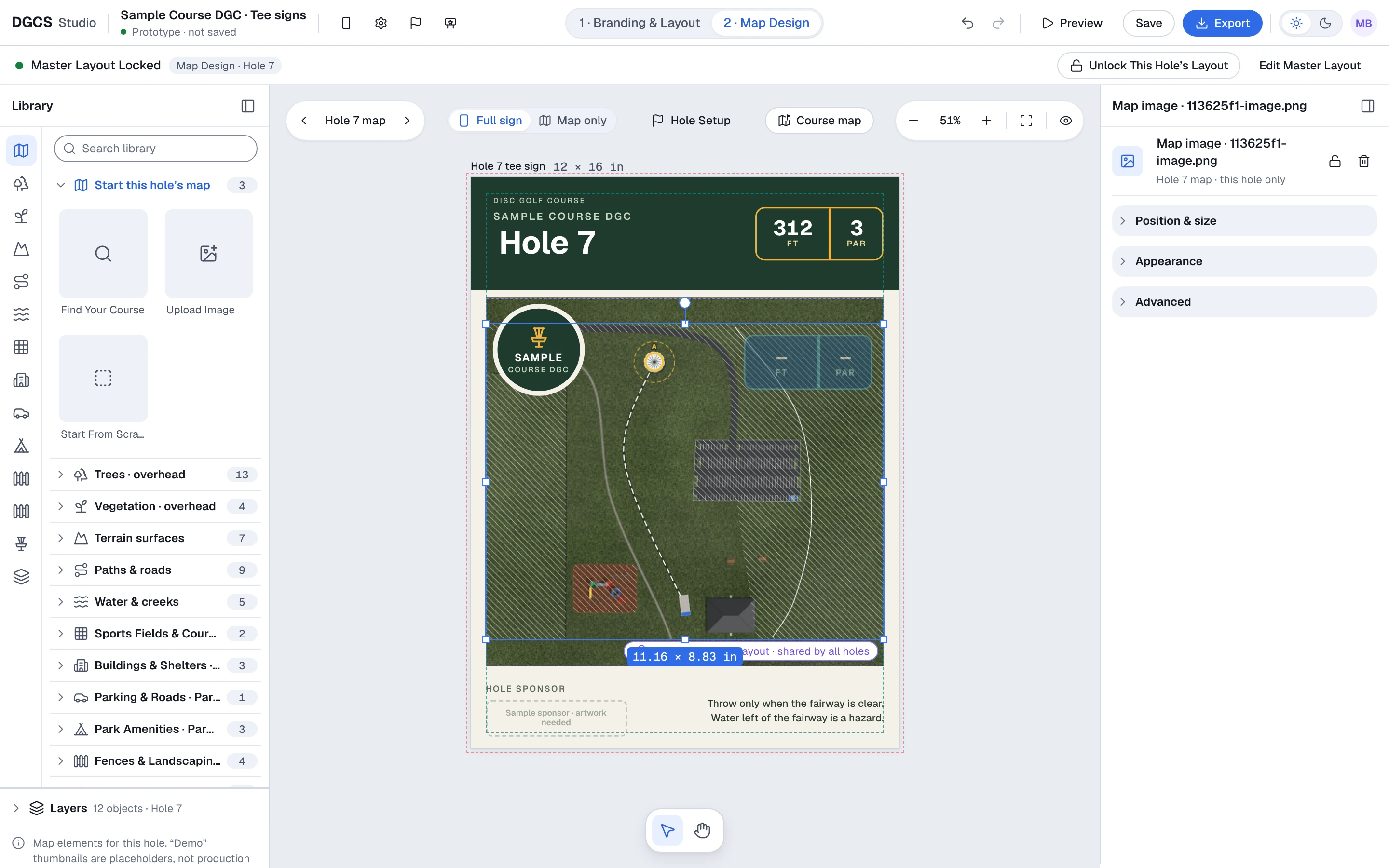
If your department manages several courses, a shared design system helps visitors recognize them as part of the same park network. Use the same layout, colors and logo placement for every course, and vary only the course name and hole details. In DGCS Studio each course is saved as its own project under My Courses, so you can keep several courses in one account and apply the same branding to each.

Build approvals into the process
Department projects usually need sign-off from several people. DGCS Studio generates watermarked PDF proofs you can share with supervisors, committees and club representatives before anything is purchased. Collect feedback on the full set, make changes in one place and generate updated proofs.
Plan the budget clearly
DGCS Studio is free to design with. You pay only when you are ready: print-ready digital files are priced per unique hole, and printed signs are priced per sign with free shipping within the U.S. The pricing page includes a course estimate tool you can use when preparing a budget request.
Digital files suit departments that already work with a local print vendor. Printed signs suit departments that want the signs produced and shipped for them. You can compare both on the custom disc golf tee signs page.
Plan for updates
Courses change. Baskets move, holes are redesigned and sponsors change. Keep your designs in your account so updates are quick, and download and store your own copies of any digital files you buy, since files can be downloaded for 90 days after purchase.
Parks department checklist
- Department sign, logo and color standards collected
- Local club involved in measuring and review
- Clear numbers, strong contrast and plain wording
- One design system across all department courses
- Proofs approved by every stakeholder
- Budget prepared from current pricing